Why choosing the right book clipart matters
Have you ever walked into a bookstore, or even just scrolled online, and a book cover just popped out at you? For authors, especially those who self-publish, making your book stand out is super important in 2026.
With so many books coming out every day, your cover is often the first thing a reader sees. And that’s where good book clipart comes in.
Choosing the right book clipart isn’t just about making things look pretty. It plays a big role in how readers understand your book, how easy it is to read, and if they even notice it at all.
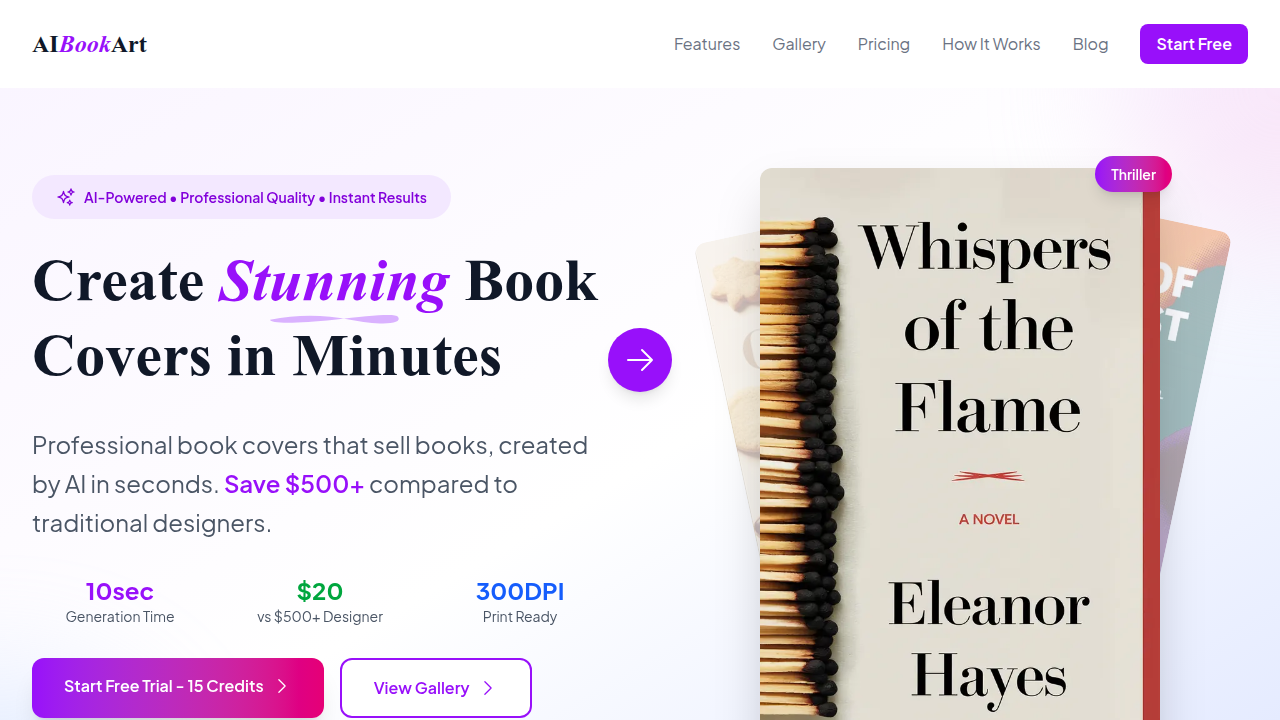
First, great clipart helps set the tone of your book. Think about it: a funny children’s story needs bright, playful images, while a serious novel needs something more thoughtful. For example, in 2026, many romance novels use hand-drawn or digital illustrations to show they are modern. These kinds of illustrated covers often do much better on social media, like BookTok, than old-style photo covers with shirtless men, according to experts in book cover trends for 2026.
Also, children’s books in 2026 are looking for pictures that teach about feelings or science, showing how specific images are key for those stories too, as noted in Children’s Book Trends 2026.
Second, clipart can really help with readability. Good pictures break up long pages of text, making the book feel less intimidating and more inviting. This is true for all kinds of books, not just kids’ books. It makes the reading journey smoother and more fun.
Third, and perhaps most crucially for self-published authors, the right book clipart helps with discoverability. In 2026, the self-publishing market is growing quickly, with self-published books now outnumbering traditional titles by millions each year. This means it’s harder than ever to get noticed Self-Publishing Statistics 2026. Your book cover acts like a tiny billboard. A strong cover with eye-catching book clipart can grab attention and make someone curious enough to pick up your book or click on it online. Covers are a huge reason why people buy books, especially in print, as shared in a discussion about Self-Publishing in 2026.
In this guide, we’ll help you find awesome book clipart for your own projects. We will show you practical ways to find the best images, explain how to use them legally so you don’t run into trouble, and give you tips on how to customize them perfectly for your story. We’ll even look at workflows to help you ship your book faster. Imagine using a concepts app to fine-tune your designs or even explore a free book writing ai to speed up parts of your creative process. By the end, you’ll feel confident in making your book look amazing and reach more readers.
Want to stay updated on the latest book trends, creative experiments, and author tips?
1) Plan your visual direction: choosing a clipart style that fits your book
After realizing how important book clipart is, your next big step is to plan exactly what kind of look you want.

Think of it like picking out clothes for a special event: you need to choose what fits the occasion best. For your book, this means picking a clipart style that matches your book’s story, the people who will read it, and how it feels to read.
Match clipart style to your book
The first thing to think about is your book’s genre. A book about outer space for young readers might need fun, cartoon-like rocket ship clipart. But a serious mystery novel might need something more subtle, maybe a shadowy figure or a dusty old map. The type of pictures you choose should give readers a hint about what kind of story they’re getting into.
Next, consider your audience’s age. Children’s books often use bright colors and simple, friendly shapes for their book clipart. Books for teens or young adults might use more modern, edgy, or cool designs. For adult readers, the clipart can be more detailed or artistic, depending on the topic. It’s all about making sure the pictures speak to the right group of people.
Finally, think about the tone of your book. Is it funny and light-hearted? Then you’d want playful and cheerful clipart. Is it sad or serious? Then more gentle or dramatic pictures might be better. The images should make readers feel the right emotions even before they read the first word.
Your visual decision checklist
To help you pick the best book clipart, here’s a simple checklist:
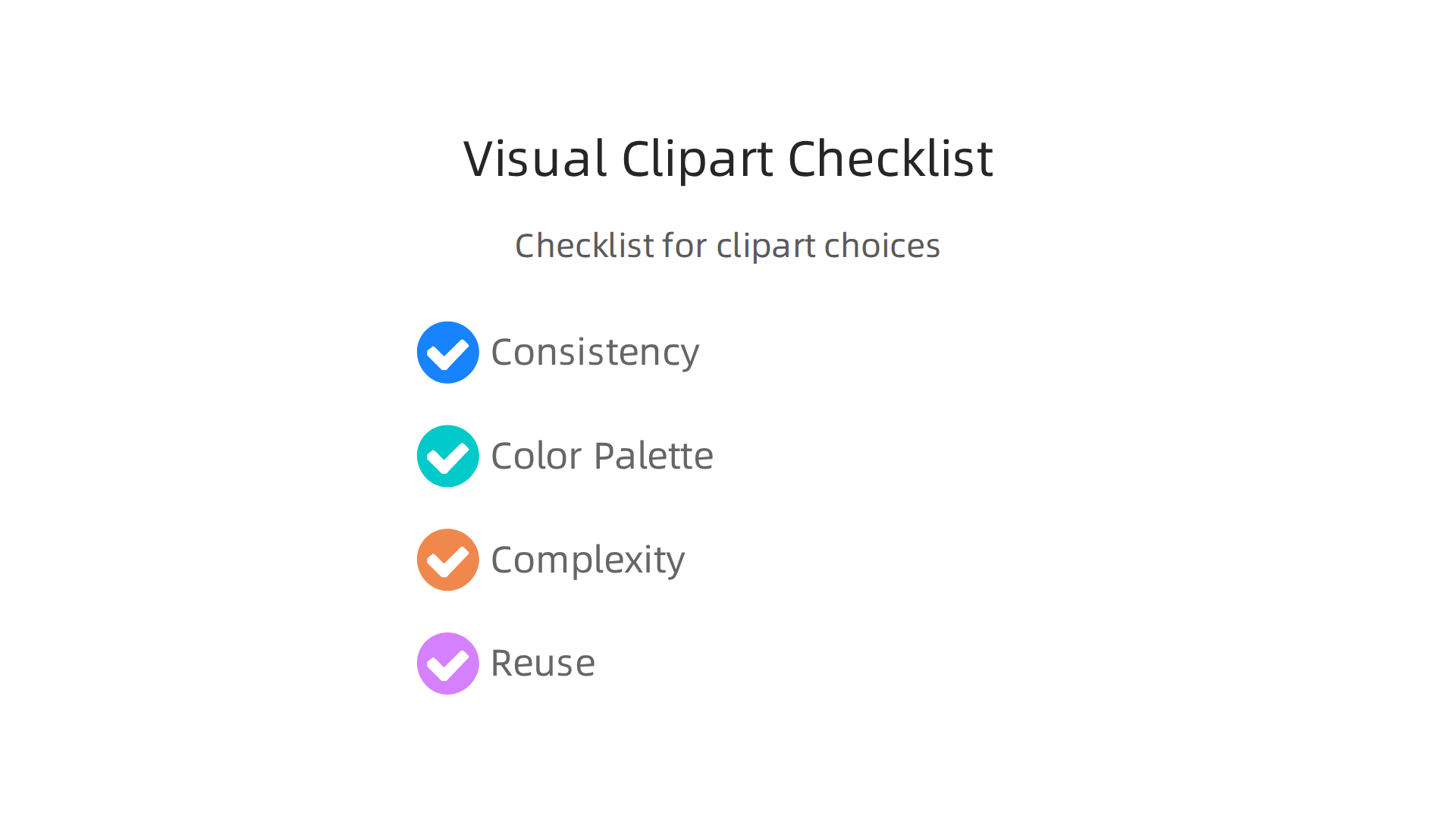
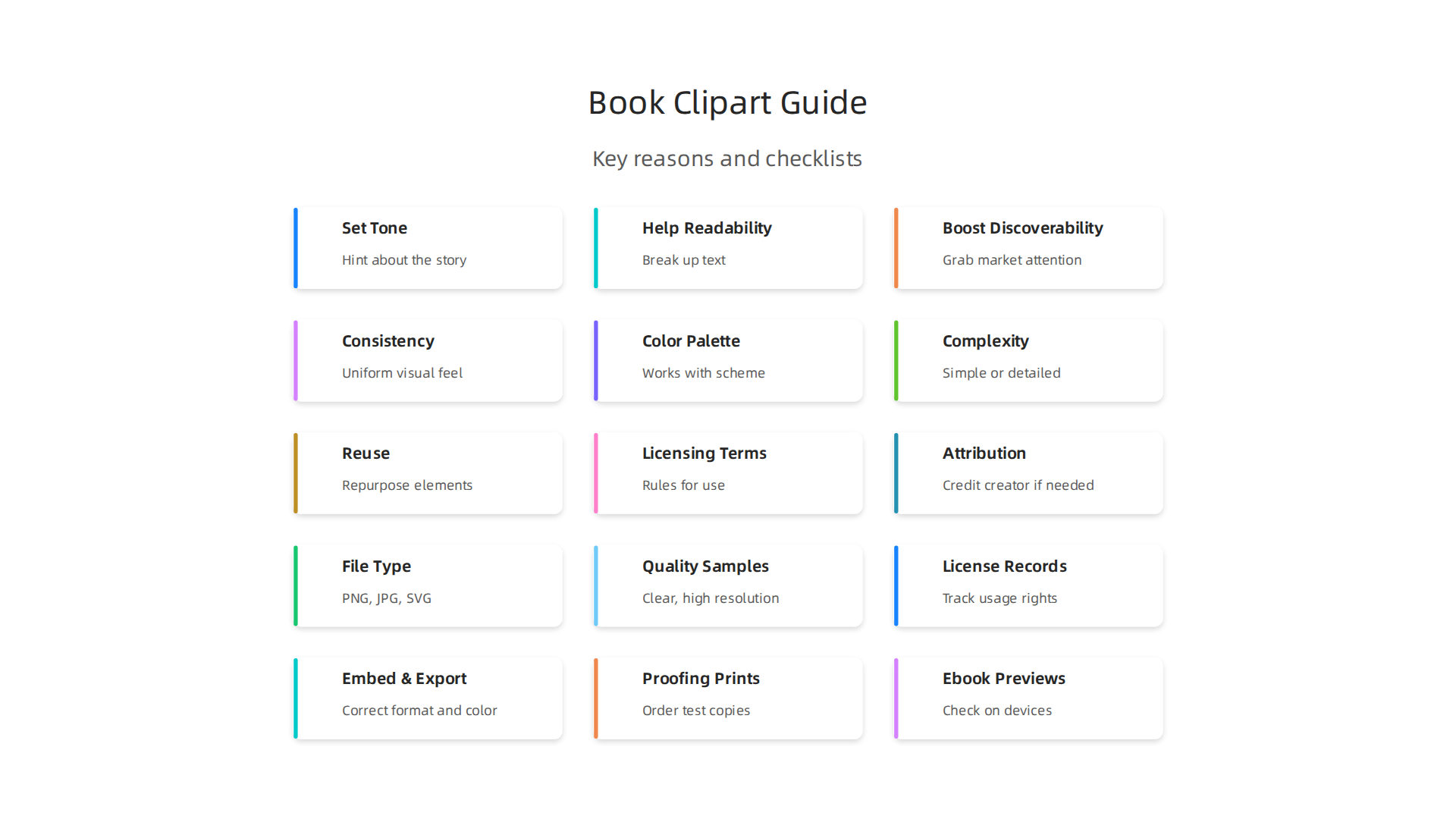
- Consistency: Will your chosen clipart style look good on the book cover and inside the book? It’s often best if the pictures have a similar feel throughout. This makes your book look put-together and professional.
- Color Palette: What colors do you want to use? Bright colors can be exciting, while softer colors can be calming. The colors in your clipart should work well with the overall color scheme of your book.
- Complexity: Do you want simple, clean pictures or rich, detailed ones? Simple clipart can be easy to understand, while complex art can add depth and draw the eye in for longer.
- Reuse: Can you use parts of your clipart in different ways? Sometimes a single element, like a special flower or a unique symbol, can be used repeatedly in various places to tie the visuals together.
Plan early, finish faster
Doing this visual planning early on can save you a lot of time and trouble. When you know exactly what kind of book clipart you need, it’s easier to find it, or even to create it. This early planning helps cut down on rework later, which means you can get your book out to readers faster. Tools like a concepts app can help you sketch out ideas and fine-tune designs before you commit, making the whole process smoother. If you’re looking for ways to speed up your creative process, you might even explore a free book writing ai to assist with parts of your story or descriptions, letting you focus more on the visual elements.
Thinking ahead about your visual direction is like having a clear map for your design journey. It guides your choices and helps you make a book that truly shines. For more help with staying organized, check out the best task management apps to keep your book project on track in 2026.
Ready to put these planning ideas into action and create something truly unique?
Now that you have a clear idea of the look you want for your book clipart, the next step is to find those perfect pictures. It’s like knowing what kind of ingredients you need for a recipe; now you have to go to the store and get them. You need to know where to look and how to make sure the book clipart you pick is good to use.
Different places to find book clipart
There are a few main ways to get book clipart for your project:
- Free Websites: Many websites offer book clipart for free. These can be great for saving money, but you must be careful.
Often, these images come with rules, like needing to give credit to the artist. Some even use special licenses like Creative Commons, which lets you use images but often with specific conditions for sharing and changes. It is very important to understand if you have the right to publish an image you find online, especially if someone else created it. You always need permission from the copyright owner unless it falls under certain exceptions, like being in the public domain. To avoid trouble, it’s always best practice to get copyright permission for any images you did not create yourself or to use images that are clearly labeled as copyright-free. For a good guide, you can watch this helpful video on What Images are OK to Use in Your Book?.
-
Paid Marketplaces: These are online stores where artists sell their book clipart. You pay a small fee for each picture, or sometimes you buy a monthly plan. These sites often have a huge collection, and the pictures are usually very high quality. The rules for using them are usually clearer too.
-
Design Bundles: Sometimes, artists or companies put together large collections of clipart and sell them as a bundle at a lower price. This can be a great deal if many pictures in the bundle fit your book’s style. You might find a whole set of book clipart that works perfectly together.
-
Custom Artists: If you want something truly special and unique, you can hire an artist to create book clipart just for your book. This is often the most expensive option, but it means your pictures will be one-of-a-kind and made exactly to your vision. It ensures that the images match your book’s specific needs perfectly, like custom illustrations in children’s books which are a strong growth area in 2026, according to experts in children’s book trends.
How to check if clipart sources are good
No matter where you find your book clipart, it’s super important to check a few things before you use it.
This helps keep you out of trouble and makes sure your book looks its best.
-
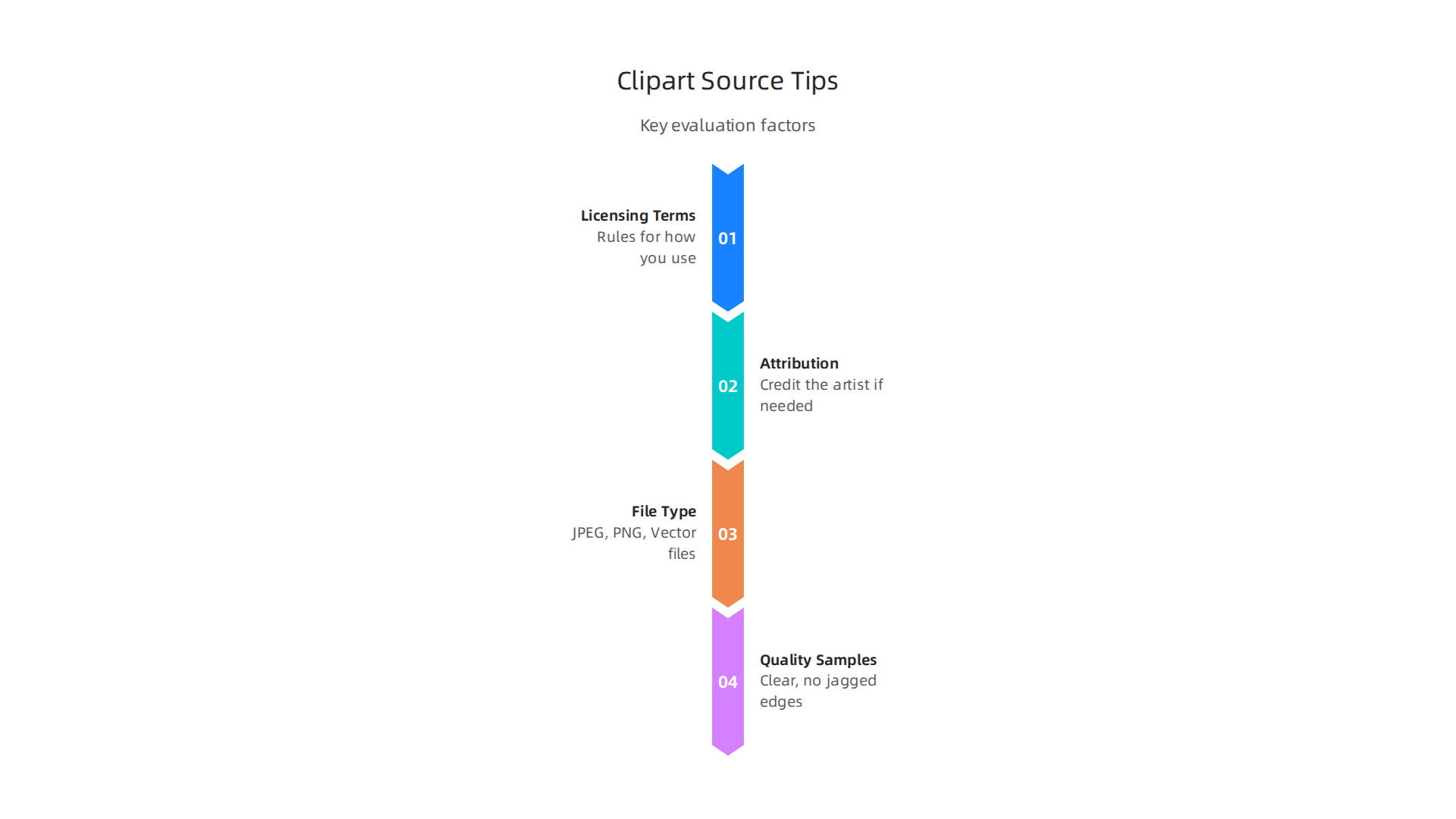
Licensing Terms: This is the most important part. "Licensing" means the rules for how you can use the picture. Can you use it for a book you sell? Do you need to ask for permission? Make sure the license allows you to use the book clipart for commercial purposes (meaning you make money from your book). Different types of Creative Commons licenses, for example, have various rules about how you can use a work, including whether you can use it for commercial projects or if you need to share your work under the same license. You need to know these rules to avoid issues later.
-
Attribution Requirements: Some free or low-cost book clipart needs you to credit the artist. This means writing "Artwork by [Artist’s Name]" somewhere in your book, usually on the copyright page. Always check if this is needed.
-
File Type Availability: Book clipart comes in different file types.
- JPEG and PNG are common image types. PNGs are good because they can have clear backgrounds, which is useful for layering images.
- Vector files (like SVG or AI) are even better for clipart. These files can be made bigger or smaller without getting blurry. If you need to use the image in different sizes, vector files are your best friend.
-
Quality Samples: Look closely at the pictures. Are they clear? Do they have jagged edges or look pixelated? You want high-quality images that will look good in print and on screen. The quality of your book’s cover is a huge buying trigger for readers, so clear and attractive visuals matter a lot.
Choosing the right book clipart means finding great pictures and making sure you have the right to use them. Taking the time to do this carefully will make your book look professional and protect you from problems down the road.
If you enjoy learning about ways to improve your books and stay updated on creative projects, consider joining our community. You’ll get news about new books, experiments, and ways to participate.
After you find the right book clipart and check all the rules for using it, the fun really begins. Now you can make it truly yours.
It’s like having all your craft supplies ready; you can start making something unique. You can change your clipart to match your book’s look perfectly.
Making your book clipart unique
Customizing your book clipart means changing it so it fits your story and style just right. Here are some ways to do that:
Changing raster images to vector images
Sometimes, you find a great book clipart picture, but it’s a "raster" image. Think of raster images like a photo made of many tiny dots (pixels). If you try to make it much bigger, it can look blurry or "pixelated." JPEG and PNG files are common raster types.
"Vector" images are different. They use math to draw lines and shapes. This means you can make a vector image as big or as small as you want, and it will always stay clear and sharp. If you need your book clipart to be very flexible in size, converting it to a vector file is a good idea. Many online tools can help with this. For example, some tools let you turn JPG, PNG, and other bitmap images into true vector images like SVG, EPS, and PDF files automatically Z łatwością konwertuj pliki JPG, PNG, GIF na wektory PDF, SVG, EPS. There are also tools like Recraft AI that can convert images between formats like JPG, PNG, and SVG without losing quality Free Online Image Converter | Recraft AI.
You can even watch videos that show you how to convert clipart to line art, which is great for coloring books Tutorial: Convert Clipart to Line Art for KDP Coloring Books Using Adobe Illustrator. Preparing your images correctly is important for your ebook or print book Image Preparation Guidelines for eBooks and Print Books.
Recoloring your book clipart
Most design programs let you change the colors of your book clipart. This is super helpful if you find a great picture but it doesn’t quite match your book’s color scheme. You can change individual parts of the clipart or even create a whole new color palette. This makes sure all your pictures look like they belong together in your book. Simple photo editor apps, like Snapseed, can help with basic color changes and edits Master the Snapseed photo editor app with essential tools and creative tips.
Putting different pieces together
You don’t have to use just one piece of book clipart at a time. You can combine different elements to create a brand new scene or image. Maybe you have a picture of a tree and another of a book. You can put them together to show a book resting under a tree. You can layer them, change their sizes, and arrange them in many ways to make your unique artwork. This is where you can be really creative!
Should you do it yourself or hire a designer?
This is a big question for many book creators.
-
Doing it yourself (DIY): If you have a bit of time and are comfortable with basic computer programs, you can do a lot of customization on your own. For simple recoloring or combining just a few pieces of book clipart, you might not need help. There are many easy-to-use programs and even drawing apps like Concepts App that can help you with your designs. Doing it yourself saves money and gives you full control.
-
Hiring a designer: If your book needs a very specific look, or if you want complex and highly detailed book clipart, hiring a professional designer might be the best choice. Designers have special tools and skills to make sure your pictures look perfect and unique. This costs more money, but it saves you time and ensures a very professional finish. They can create one-of-a-kind images that match your exact vision, giving your book a polished look that stands out.
No matter which path you choose, remember that the goal is to make your book clipart shine and help tell your story. Experimenting with different ideas can be a lot of fun.
If you enjoy turning your creative ideas into real projects and being part of a community that loves to explore new things, you might be interested in our unique approach. Ready to try something new and share your discoveries?
Once you have your book clipart just the way you want it, the next important step is to place it inside your book. This means thinking about how your clipart will look on your cover, inside your chapters, and next to your words. It’s like arranging furniture in a room; everything needs to be in the right spot to look good and feel welcoming.
How to use clipart in your book’s design
When you put book clipart into your book, you’re doing something called "layout design." This involves a few key ideas to make everything clear and nice to look at.
Design rules for pictures and words
- What your eyes see first: This is called visual hierarchy. You want to make sure the most important parts of your page, like the book title or a key image, catch the reader’s eye right away. Your book clipart can help with this by drawing attention to certain areas.
- Breathing room for pictures: Just like people need space, your book clipart needs space around it. These spaces are called margins. If you cram your clipart too close to the edge of the page or other pictures, it can look messy and hard to see. Giving images enough room helps them stand out.
- Pictures and words working together: Your book clipart should not fight with the text. Instead, they should work together. The images can help explain the words, or the words can give meaning to the images. Think about how they will look side by side. Before adding images, it’s wise to properly prepare them for your ebook or print book, ensuring they are sized correctly and compressed for the best quality Preparing Images for Your e-Book by David Kudler.
Tips for your book cover
Your book cover is super important. It’s the first thing people see. Using book clipart on your cover means thinking about these things:
- Making it the star: Your book clipart can be the main picture on your cover. It should be big and clear enough to grab attention.
- Looking good small: People often see book covers as tiny pictures online, like when they are scrolling through a list of books. Make sure your book clipart still looks good and makes sense even when it’s very small.
- Easy to read: No matter how great your book clipart is, your book’s title and author name must be easy to read. The clipart should make the text stand out, not hide it. Many authors use programs like Canva to create professional book covers, often combining custom graphics or book clipart with easy-to-read fonts Book Cover Design Software: The Best Free and Paid DIY ….
Other powerful tools like Adobe Photoshop are also popular for detailed cover artwork Best Book Cover Design Software | 20 Tools Ranked (2026). You can even find tutorials on how to design custom book covers using drawing apps like Clip Studio Paint Designing custom book covers with Clip Studio Paint ….
Using clipart inside your book
Book clipart isn’t just for covers. You can use it inside your book too, for things like:
- Chapter headings: A small piece of book clipart can make each new chapter feel special.
- Illustrations: If your book is for kids, or if it has pictures, book clipart can bring your story to life.
- Separators: Sometimes, you can use a small piece of clipart to break up long blocks of text, making the page easier to read.
- Consistency is key: Try to use the same style of book clipart throughout your book. This makes your book look put-together and professional.
For building the inside pages of ebooks with images, programs like Affinity and InDesign are often recommended because they give great results What software do you use to upload and convert ebooks …. If you need to turn your images into an ebook format, there are tools that can help convert images to EPUB online Free Image to EPUB Converter Online – FlexOCR. You can even learn how to create an ebook from many images How to make an ebook out of image? : r/howto.
Putting your book clipart into your book’s layout is a fun and creative process. It helps your book look its best and tells your story in a unique way.
Do you want to stay in the loop for more creative tips, new experiments, and community challenges?
Join The Newsletter
Once you’ve decided where your book clipart will live in your book, the next important step is to make sure your images are in the right format. This is like choosing the right type of paint for your walls; you need one that works best for the surface and will last a long time. Different ways of making books, like printing them or reading them on a screen, need different kinds of image files.
Which files to use for print and ebooks
When you use book clipart, you’ll hear about file formats, resolution, and color modes. These words just mean how the computer stores your picture and how clear it looks.
For books you print
For books that will be printed on paper, you want very high-quality images. Printers need lots of detail to make pictures look sharp and colors true to life.
- Color Mode (CMYK): This is a special way to mix colors for printing. It uses Cyan, Magenta, Yellow, and Key (black). When you create or save your book clipart for print, make sure it’s in CMYK mode so the printed colors match what you expect.
- File Types (TIFF or PDF): TIFF files are great for print because they keep all the tiny details and colors perfectly. PDF files are often used for the final book, combining text and images cleanly. These types of files help your book clipart look its best when it’s printed.
- Resolution (300 DPI): This means how many dots of color are packed into every inch of the picture. For print, you usually need 300 DPI (dots per inch) for your book clipart to look clear and not blurry.
For ebooks and online viewing
Ebooks are seen on screens, like your phone, tablet, or computer. Screens show colors differently, and they don’t need files as big as printers do. Smaller files mean faster downloads for readers.
- Color Mode (RGB): This color mode uses Red, Green, and Blue light to create colors on a screen. All book clipart used in ebooks should be in RGB mode.
- File Types (JPG, PNG, or SVG):
- JPG files are good for photos or clipart with lots of colors because they make the file size smaller.
- PNG files are better for clipart with sharp edges or if you need parts of the picture to be see-through (like a sticker).
- SVG files are special. They are called vector graphics, which means they use math to draw shapes. This lets you make book clipart bigger or smaller without it ever getting blurry. Some drawing tools, like a concepts app, are great for creating these kinds of detailed images.
- Resolution (72 DPI): For screens, 72 DPI (dots per inch) is usually enough. It makes files smaller without losing quality that your eyes can actually see on a screen. Using tools like Adobe Photoshop and Affinity Photo gives you fine control over these details, especially when preparing images for ebooks in 2026, ensuring they look great on various devices Best Ebook Cover Design Software (2026).
Making your book clipart friendly for everyone
It’s important that everyone can enjoy your book, including those who might see or read it in different ways. This is called accessibility.
- Alt Text: This is a short description of your book clipart that you add to the image. It’s not seen by most readers, but it helps people who use screen readers (which read text aloud) understand what the picture shows. For example, if your clipart is "a happy sun smiling," your alt text would say exactly that.
- Good Contrast: Think about the colors in your book clipart. Do they stand out enough from the background? If colors are too similar, it can be hard for people with vision problems to see the details. Make sure your clipart’s colors are clear and easy to tell apart.
- Readability: Sometimes, busy or very detailed book clipart can make the words near it harder to read. Make sure your images don’t distract too much or make the text blend in. The goal is for your book clipart to add to the story, not take away from it.
Getting your images ready with the correct formats and keeping accessibility in mind makes your book more professional and enjoyable for every reader. It’s a small step that makes a big difference in how your book is received.
Do you want to try new things and share your creative ideas with others?
Join An Experiment
Getting your images ready with the correct formats and keeping accessibility in mind makes your book more professional and enjoyable for every reader. It’s a small step that makes a big difference in how your book is received. But what about keeping all those carefully prepared book clipart files in order? This next part is all about practical workflows, like organizing your files, keeping track of changes, and making final checks before your book goes out into the world.
Practical workflows: organizing assets, version control, and publishing checks
Imagine you have many pieces of book clipart, photos, and text files. If they are all just mixed together, it can get messy fast. Good organization helps you find what you need quickly and makes sure you don’t lose any important work.

Keeping your book clipart organized
Think of your book project as a home. You wouldn’t just throw everything in one big pile, right? You’d have different rooms for different things. Your computer files need the same care.
- Folder Structures: Create clear folders for your book. You might have a main folder for your book title, then inside, folders like "Original Clipart," "Clipart for Print," "Clipart for Ebook," and "Text Files." This way, your original book clipart is always safe, and you know which versions are ready for different uses.
- Naming Conventions: Give your files clear names. Instead of "image1.jpg," try something like "booktitle_chapter3_tree_ebook.jpg" or "booktitle_cover_main_print.tif." This tells you at a glance what the image is, where it belongs, and its purpose. It’s a simple habit that saves a lot of time and confusion later. For example, using a tool like a Best Task Management Apps 2026 could even help you keep track of your design tasks.
Simple version control
As you work on your book, you might make many changes to your book clipart. You might try different colors or shapes. "Version control" is just a fancy way of saying you save different copies of your work as you go.
- Saving Changes: A simple way to do this is to add a version number to your file names, like "booktitle_cover_v1.psd," "booktitle_cover_v2.psd," and then "booktitle_cover_final.psd." This lets you go back to an older version if you don’t like a change you made. It’s like having an "undo" button for your whole project.
Your pre-publish checklist
Before you share your book with the world, there are a few important checks to make. These steps help prevent problems and make sure your book looks great and is legally sound.
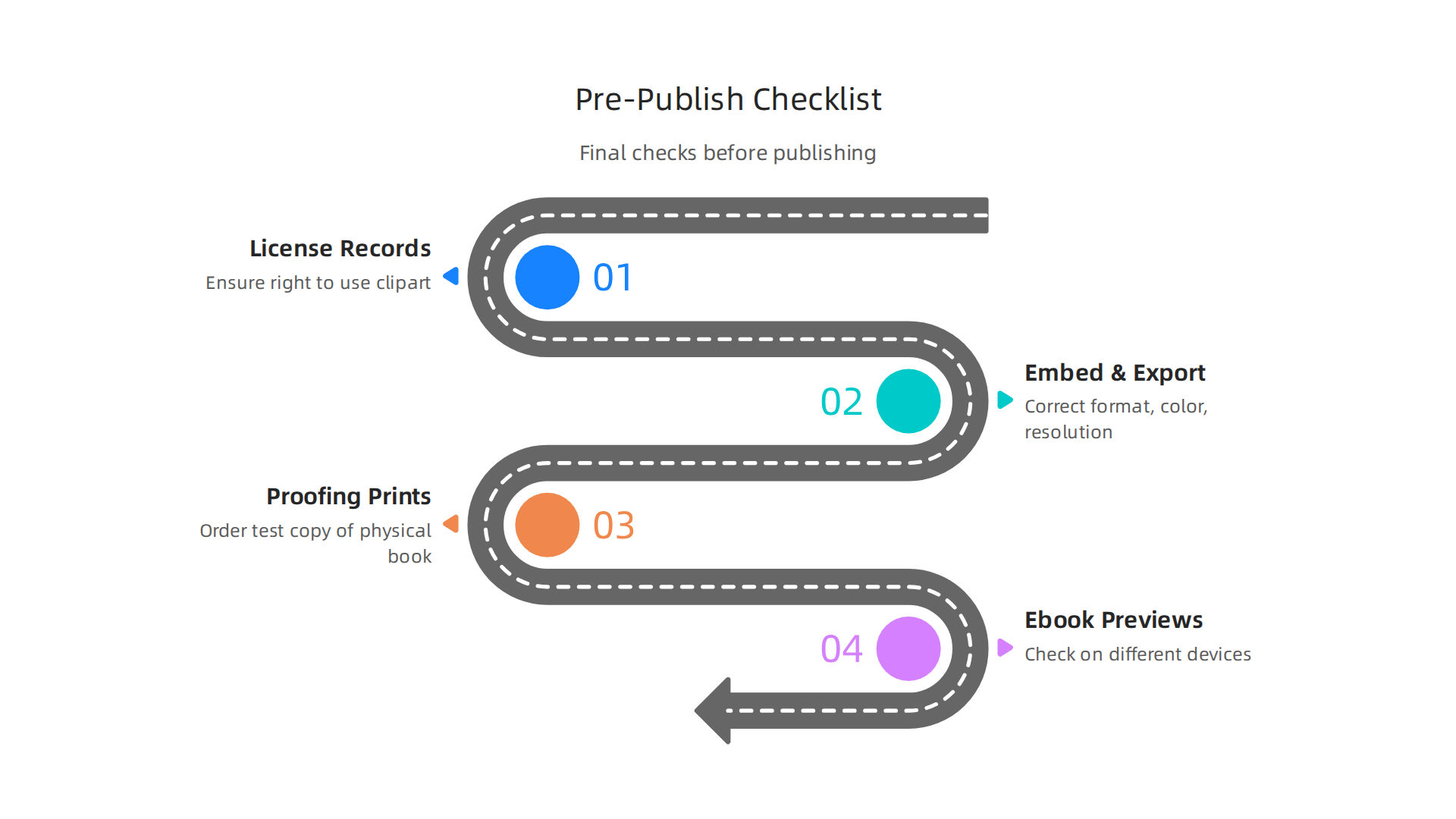
- License Record-Keeping: Always make sure you have the right to use all your book clipart. If you bought it, keep the license. If you made it yourself, that’s great too. Using images without permission can cause big trouble. It’s important to remember Image Preparation Guidelines for eBooks and Print Books often include advice on legal usage.
- Embed and Export Settings: Double-check that your book clipart is in the correct format, color mode, and resolution for your publishing method. For print, remember CMYK and 300 DPI. For ebooks, RGB and 72 DPI. Tools like a Free Image to EPUB Converter Online can help make sure your images are ready for digital readers. This small check prevents blurry pictures or weird colors.
- Proofing Prints: If you are printing a physical book, always order a test copy, called a "proof." Look at how your book clipart appears on paper. Are the colors right? Is anything cut off? This is your last chance to fix things before many copies are made.
- Ebook Previews: For ebooks, use special preview tools or apps to see your book on different devices like phones, tablets, and e-readers. This helps you catch any issues with how your book clipart displays, ensuring it looks good no matter what device your reader is using. Many authors find it helpful to check how their images look across various devices when What software do you use to upload and convert ebooks … with tools like Affinity or InDesign.
By taking these steps, you make sure your book, with all its wonderful book clipart, is ready for your readers. It shows you care about quality and professionalism.
Do you want to stay updated on new tips for writing, publishing, and being creative? We share insights, experiments, and community news regularly.
Summary
This guide explains why the right book clipart can make or break a cover and shows authors how to plan, find, customize, and prepare images for both print and digital books. It walks you through matching clipart to genre, audience, and tone; where to source images (free sites, marketplaces, bundles, and custom artists); and how to check licenses so you can publish legally. You’ll learn practical editing and conversion tips—like when to use vectors, how to recolor art, and which file types and color modes work best for print (CMYK, 300 DPI) versus ebooks (RGB, 72 DPI). The article also covers layout rules for covers and interior pages, accessibility basics (alt text and contrast), and simple workflows for organizing files and version control. By following the checklists and tool suggestions, you’ll be able to create cohesive, professional artwork that improves readability and discoverability and helps your book reach more readers.